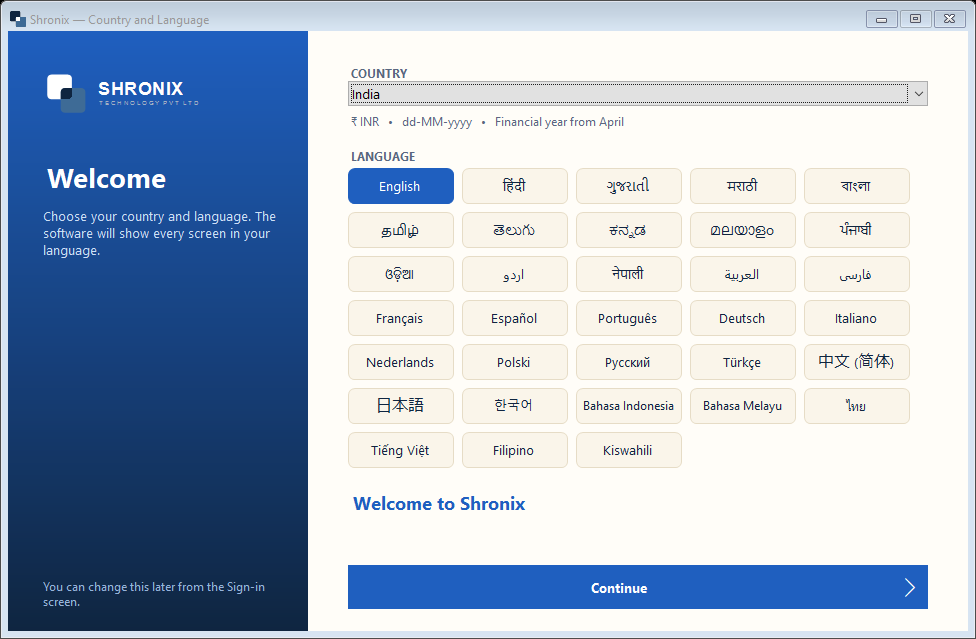
This screen appears only the first time. Your choice decides the currency, date style and the language of every screen.
👆 Click a number to see the field
1
Country
What to enter: Select your country — India for Indian businesses.
Why: Sets currency (₹ INR), date format (dd-MM-yyyy) and financial year (April–March) automatically.
Example:
India2
Language
What to enter: Click the language you read best (32 languages).
Why: Every menu, button and message is shown in this language. You can change it later.
Example:
English / हिंदी3
Continue
What to enter: Click Continue.
Why: Saves the choice and opens the Sign-in screen.