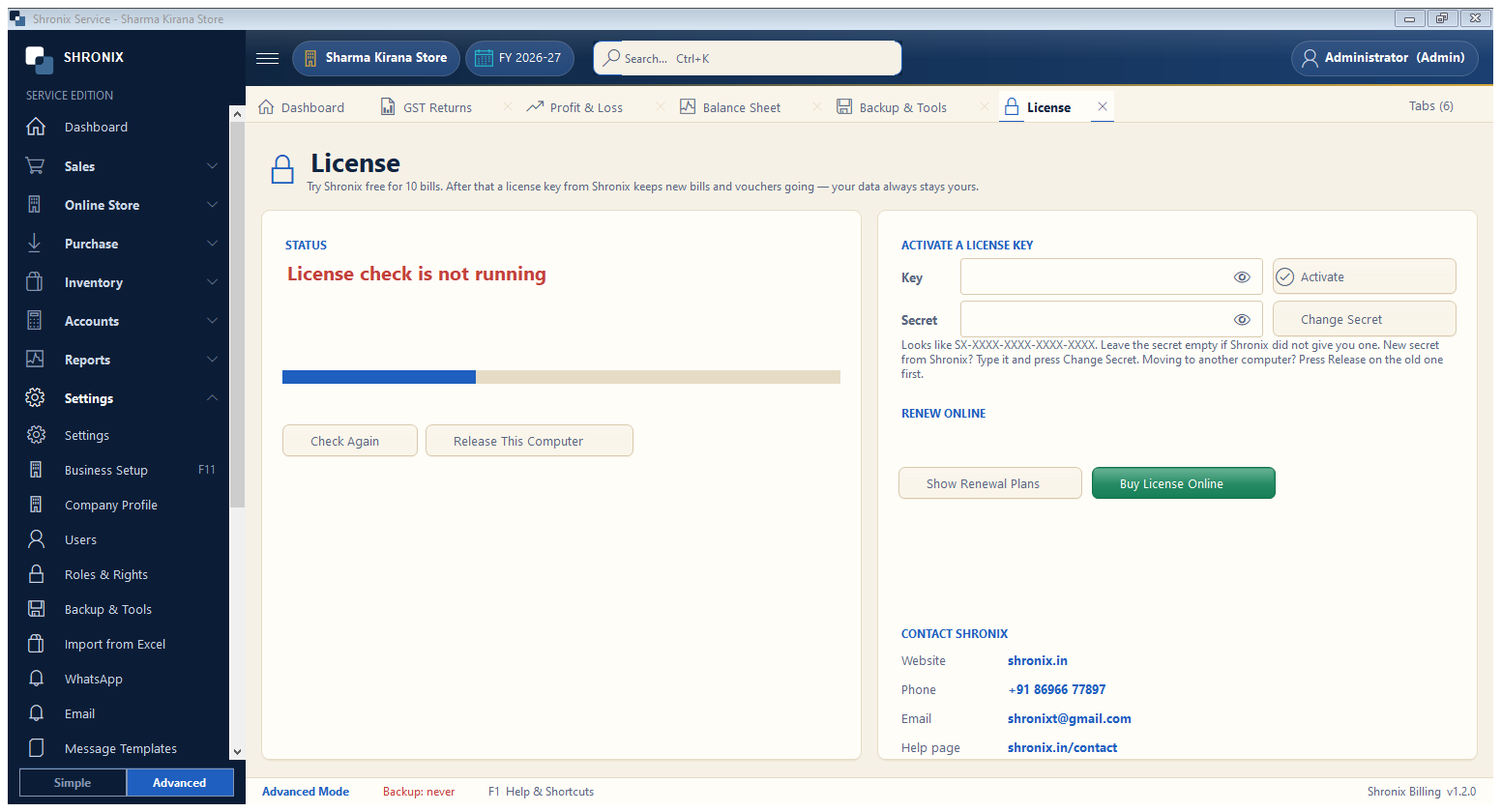
Settings → License. The software is free for the first bills; after that a licence key from Shronix keeps new bills going. Your data always stays yours.
👆 Click a number to see the field
1
Key and secret
What to enter: Type the licence key (SX-XXXX-XXXX-XXXX-XXXX) and the secret if given.
Why: Activates this computer.
Example:
SX-ABCD-1234-…2
Activate
What to enter: Click Activate (internet needed once).
Why: The status on the left turns green.
3
Buy / renew
What to enter: Buy a licence online or see renewal plans.
Why: Pay by UPI; the key is activated at once.