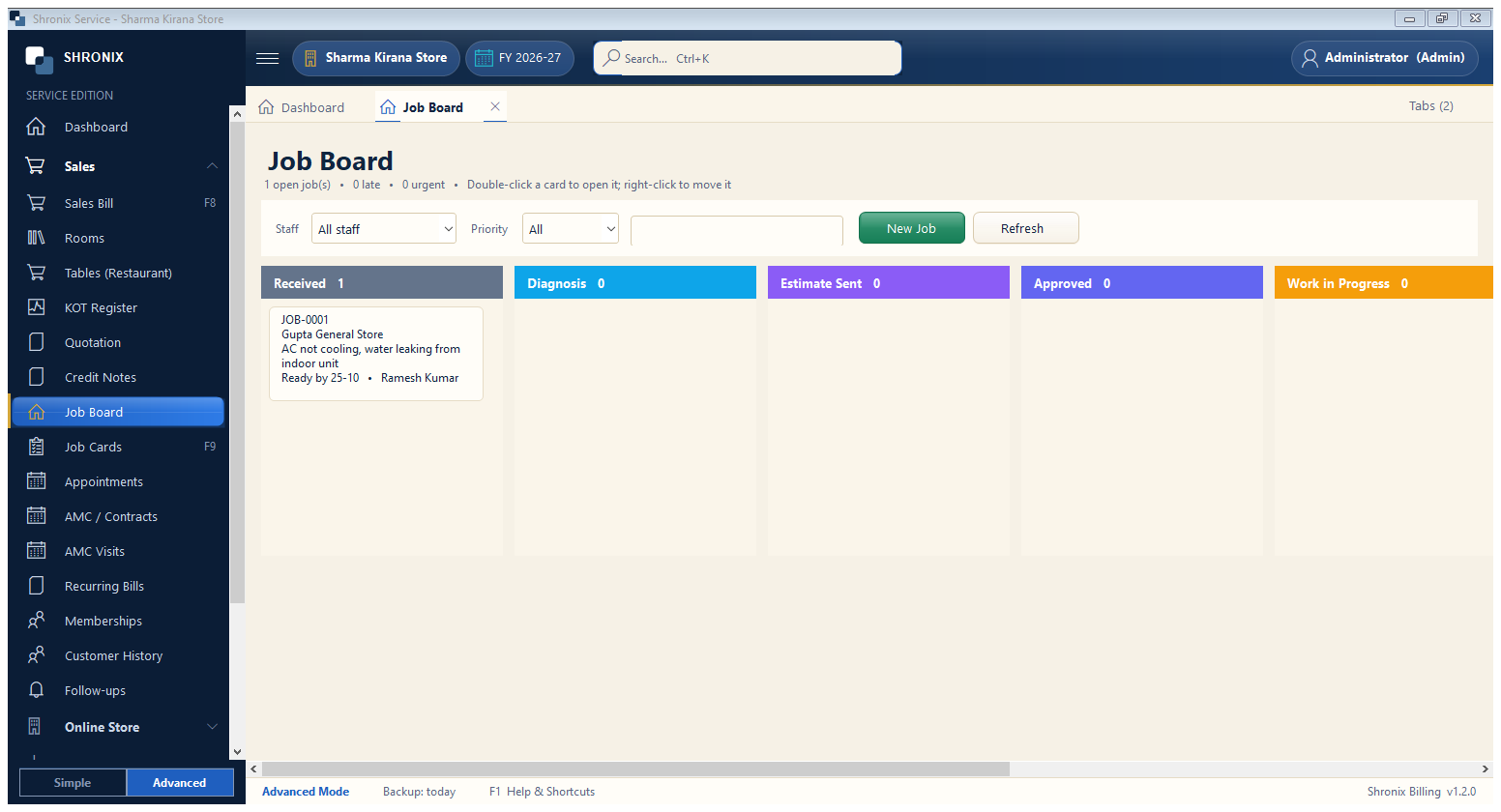
Services → Job Board. All open jobs as cards in columns by step — see the whole workshop at a glance.
👆 Click a number to see the field
1
Steps (columns)
What to enter: Each column is a job step with the count.
Why: Scroll sideways to see all steps.
Example:
Received 12
Job card
What to enter: Double-click a card to open the job.
Why: Late jobs are marked.
Example:
JOB-00013
Staff and priority filter
What to enter: Show only one technician's or only urgent jobs.
Why: