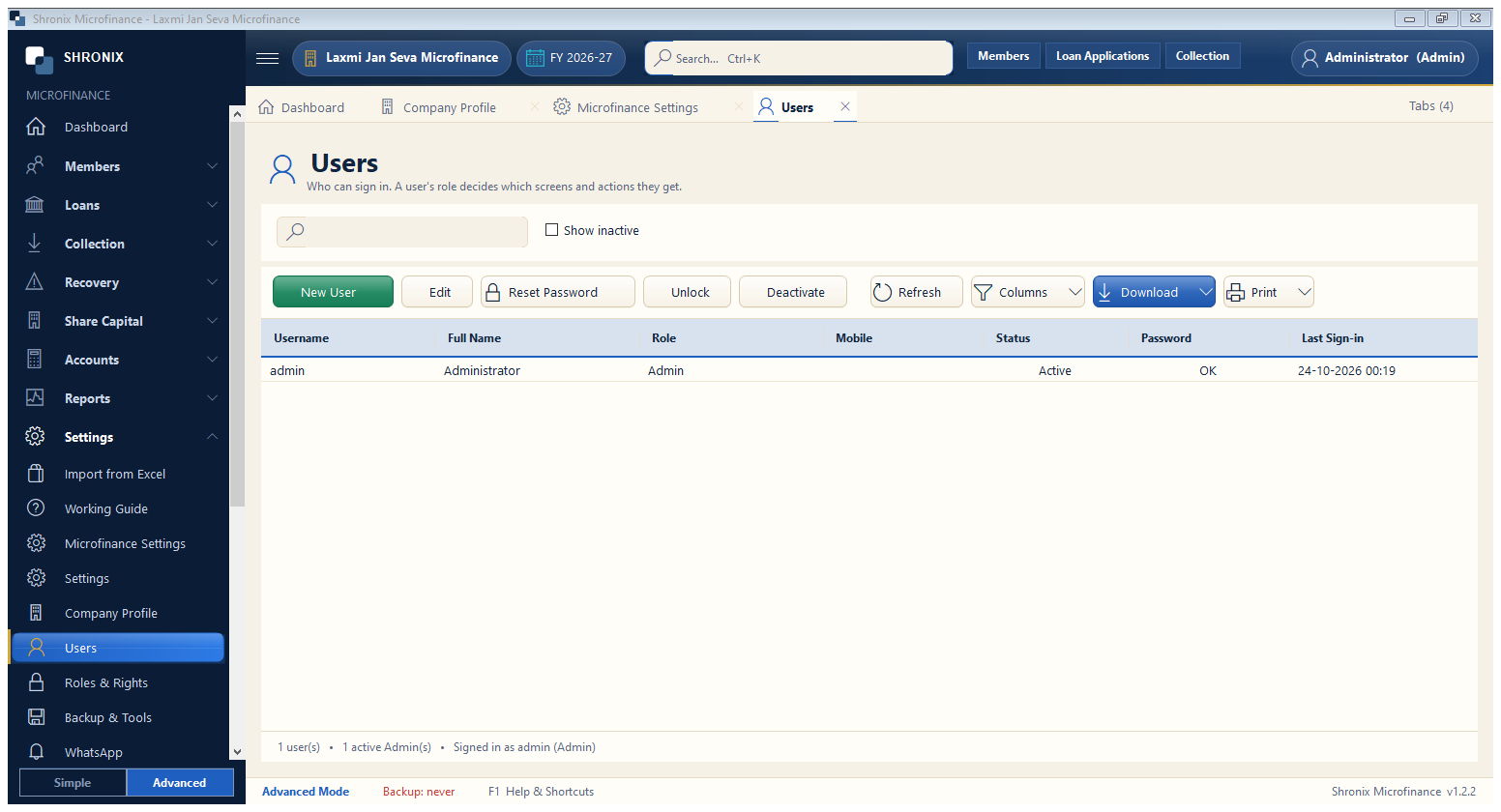
Settings → Users. Give every staff member their own login. Field agents collect installments; cashiers take receipts; the manager approves loans.
👆 Click a number to see the field
1
New User
What to enter: Add a staff member with a role (Field Agent, Cashier, Accountant, Manager).
Why: Each person sees only their own work, and every entry shows who made it.
Example:
Ramesh — Field Agent2
Reset Password
What to enter: Give a new password to a user who forgot it.
Why:
3
Deactivate
What to enter: Stop a user who has left.
Why: Old entries keep their name.