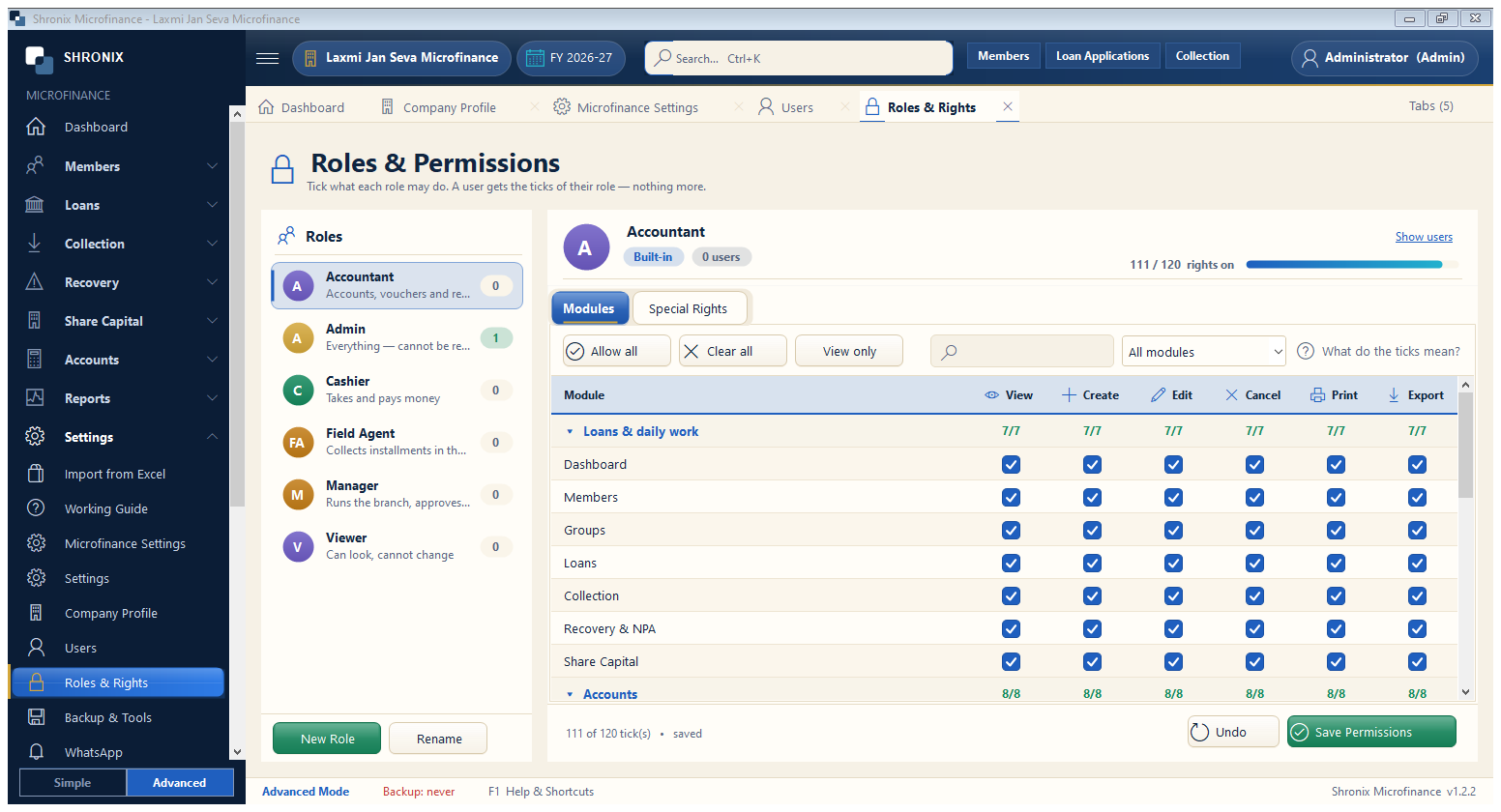
Settings → Roles & Rights. Decide what each role can see and do — view, create, edit, cancel, print, export.
👆 Click a number to see the field
1
Roles
What to enter: Pick a role on the left.
Why: Ready roles: Admin, Cashier, Field Agent, Manager, Viewer.
Example:
Field Agent2
Special rights
What to enter: Extra rights such as approving loans or waiving penalty.
Why: Keep money-related rights with trusted people only.
3
Save Permissions
What to enter: Click after changes.
Why: Applies at the user's next sign-in.