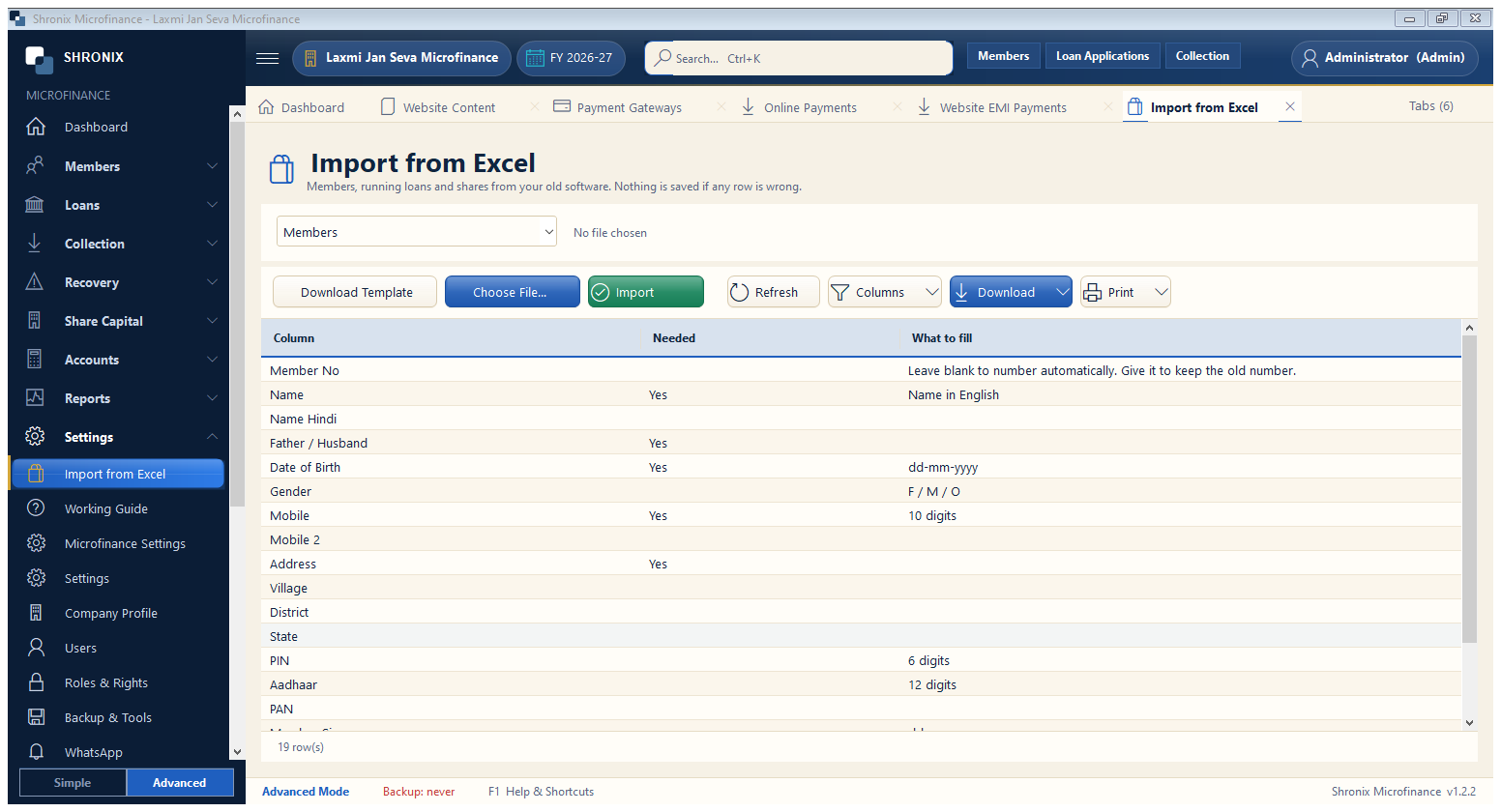
Settings → Import from Excel. Moving from another software or a register? Download the template, fill it in Excel and import.
👆 Click a number to see the field
1
Download Template
What to enter: Get the Excel template (members, loans).
Why: Column names must not change.
2
Choose File…
What to enter: Pick your filled Excel file.
Why: Rows with mistakes are shown before import.
3
Import
What to enter: Click Import.
Why: Members and running loans are created.