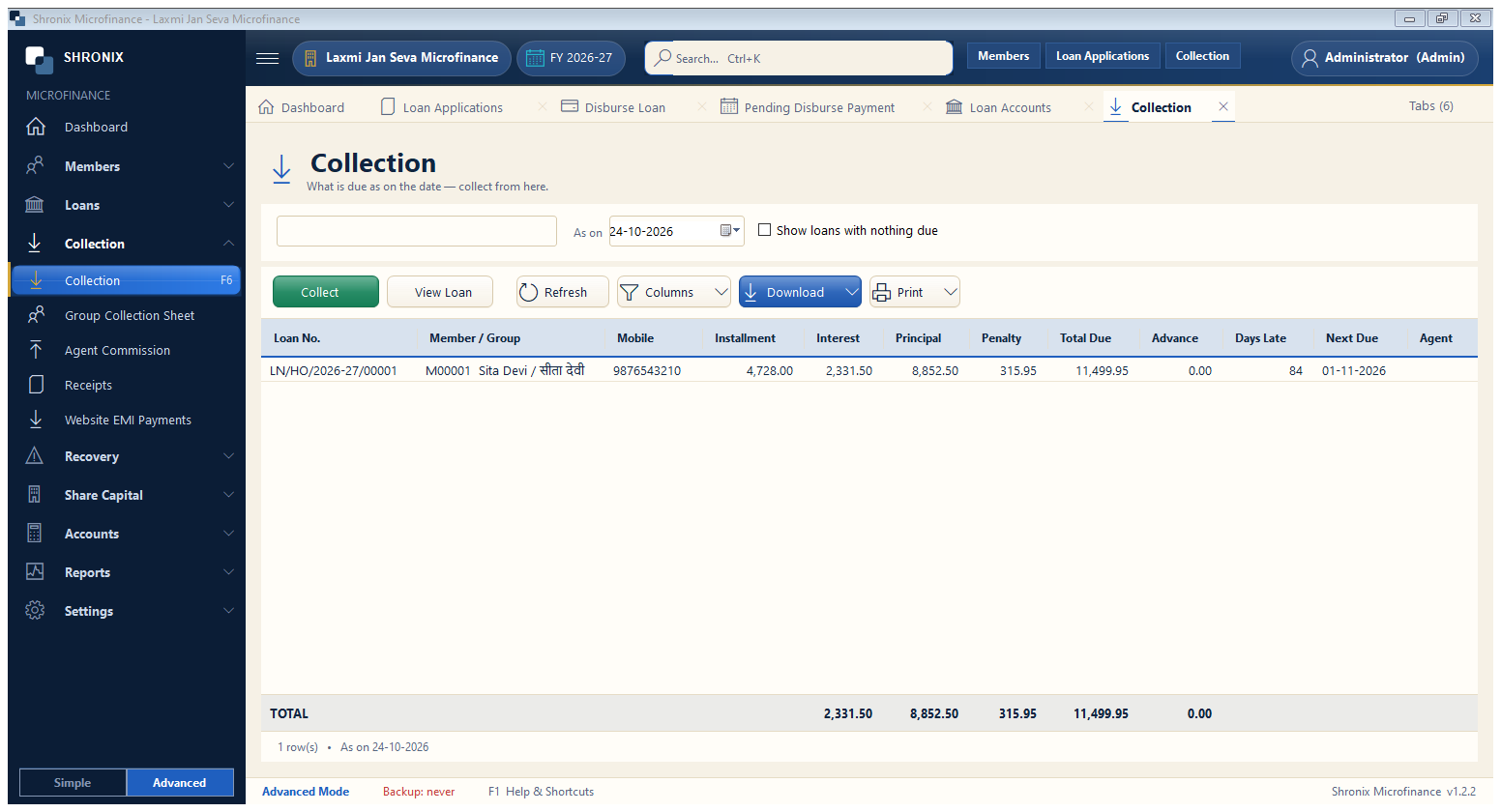
Collection → Collection (F6). Every loan with something due as on the date. Select a loan and click Collect.
👆 Click a number to see the field
1
As on
What to enter: Date of collection.
Why: Dues and penalty are worked out for this date.
Example:
24-10-20262
Collect
What to enter: Take the installment of the selected loan.
Why:
3
Show loans with nothing due
What to enter: Tick to also see loans with no due (for advance payment).
Why: