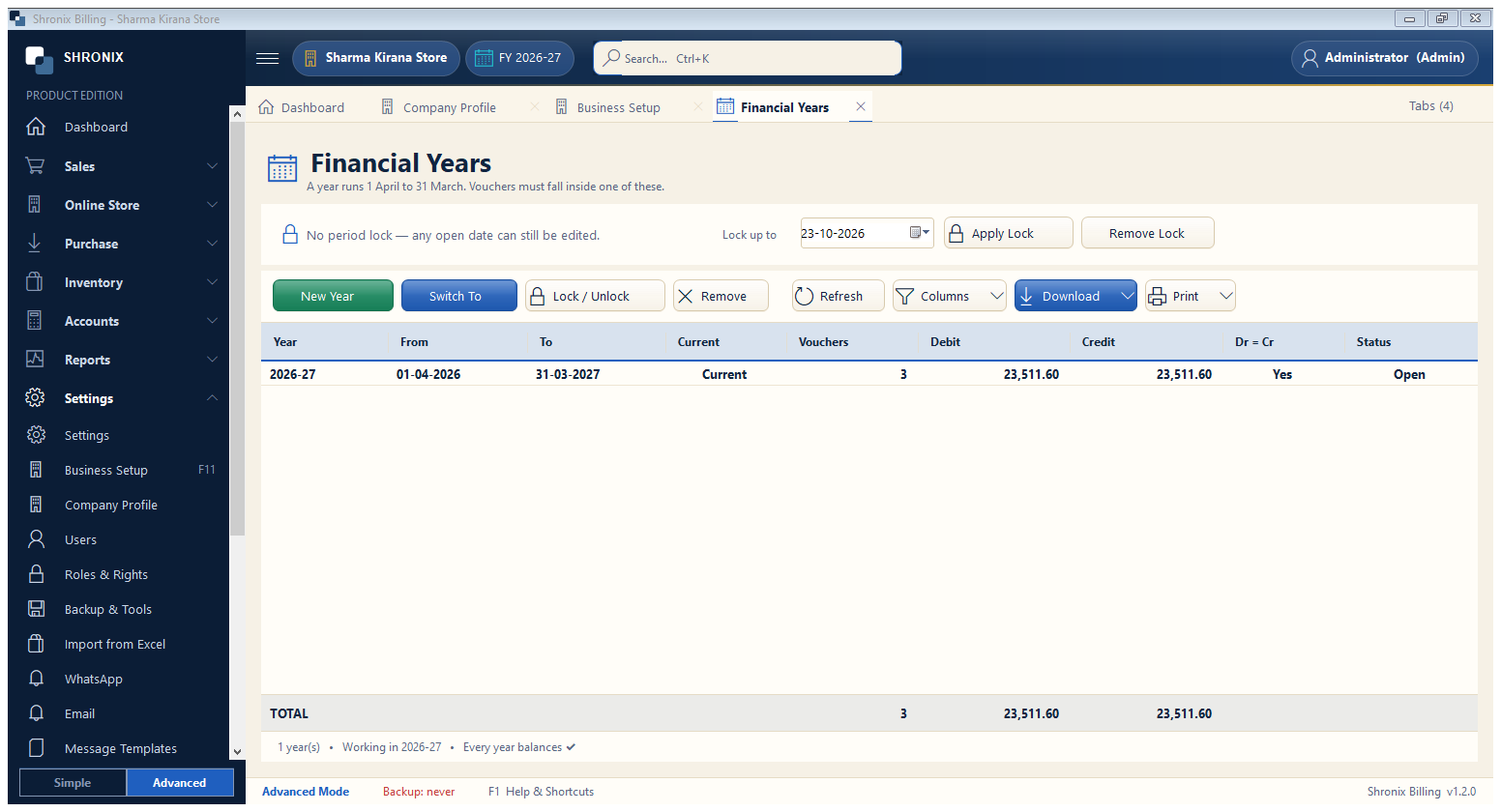
Accounts → Financial Years. A year runs 1 April to 31 March. The software creates the first year by itself; at year-end you start the next one here.
👆 Click a number to see the field
1
New Year
What to enter: Click on or after 1 April to start the new financial year.
Why: Closing balances and stock are carried forward automatically.
Example:
2027-282
Switch To
What to enter: Select a year in the list and click to work in it.
Why: Use it to see or correct last year's entries.
3
Period lock
What to enter: Choose a date and click Apply Lock.
Why: Nobody can add or change entries on or before this date — useful after filing GST or closing the books.
Example:
31-03-2026