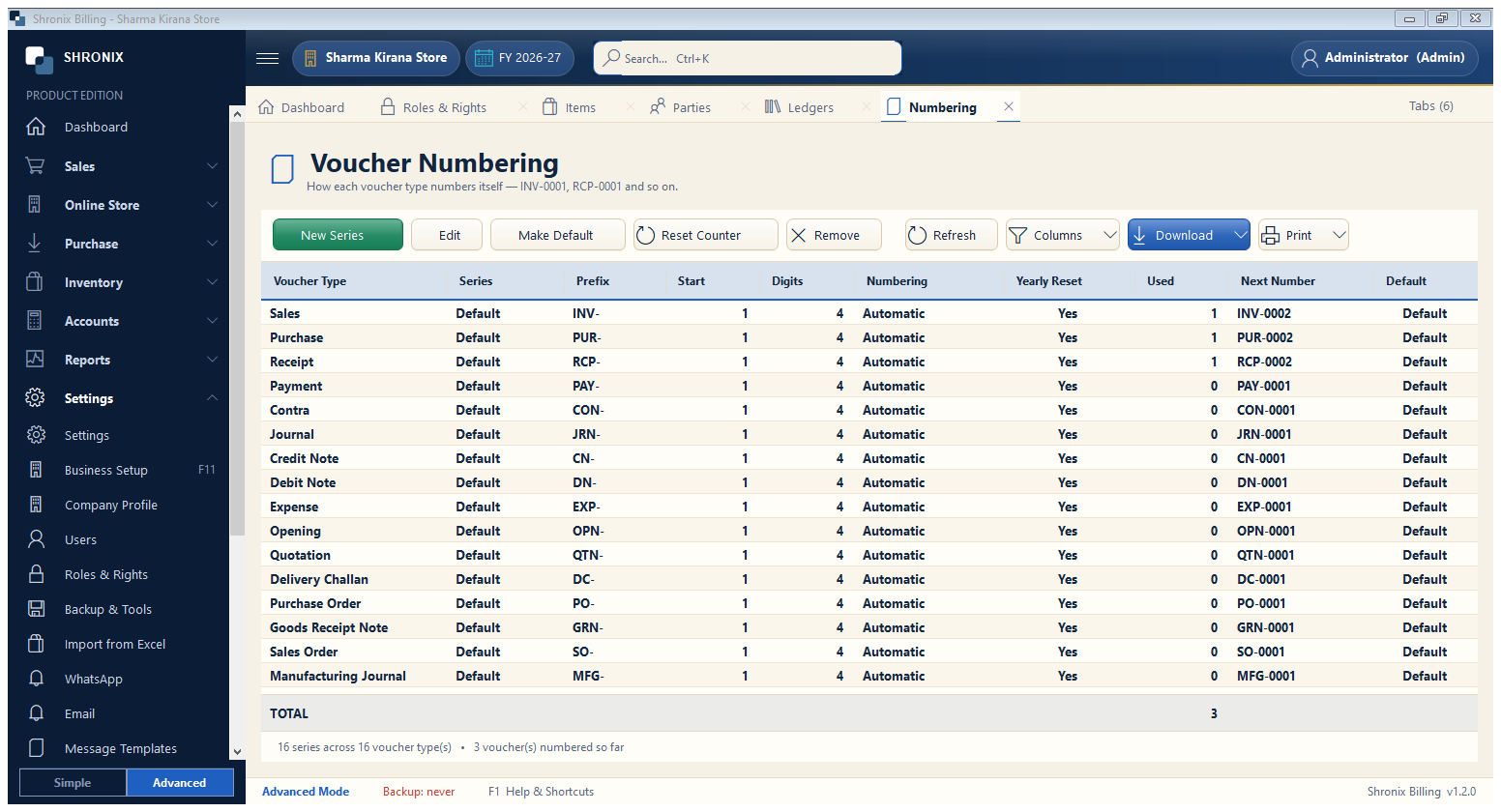
Settings → Numbering. Decide how bill and voucher numbers look. The software never repeats a number.
👆 Click a number to see the field
1
New Series
What to enter: Add a series with your own prefix, width and starting number.
Why: For example a separate series for each shop counter.
Example:
INV-00012
Edit
What to enter: Change prefix (INV-), suffix (/26-27) or number width.
Why: Change before the first bill for clean numbers.
Example:
INV-0001/26-273
Make Default
What to enter: Choose which series new bills use.
Why: Only one default per voucher type.
4
Reset Counter
What to enter: Start numbering again (usually in a new financial year).
Why: Numbers already used are skipped automatically.