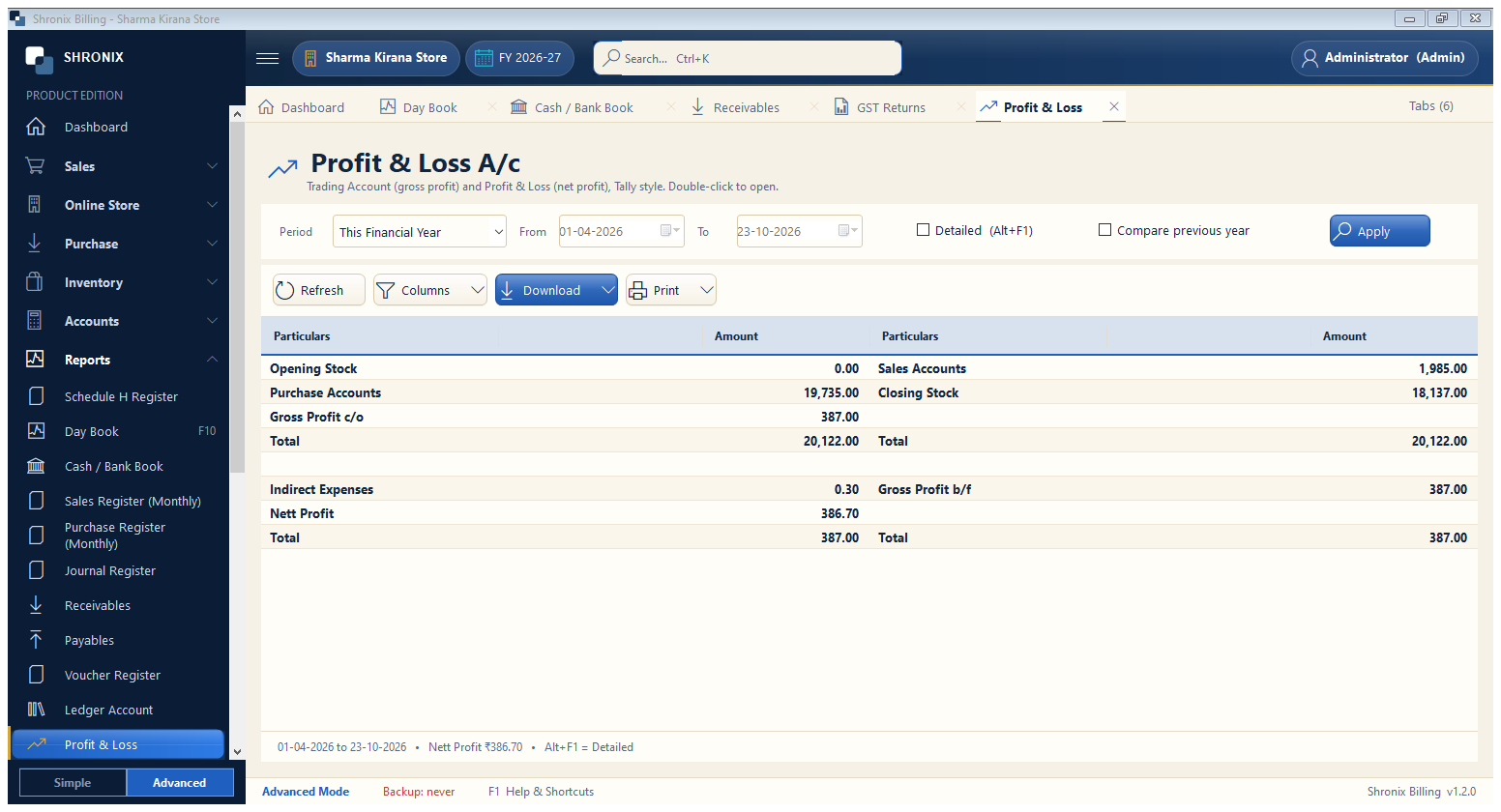
Reports → Profit & Loss. Trading account (gross profit) and net profit for any period; Balance Sheet is next to it in the menu.
👆 Click a number to see the field
1
Period
What to enter: Choose dates and Apply.
Why: See monthly or yearly profit.
Example:
This Year2
Detailed
What to enter: Tick to see every ledger inside the groups.
Why: Find which expense is high.
3
Compare previous year
What to enter: Tick to show last year next to this year.
Why: Know if the business is growing.