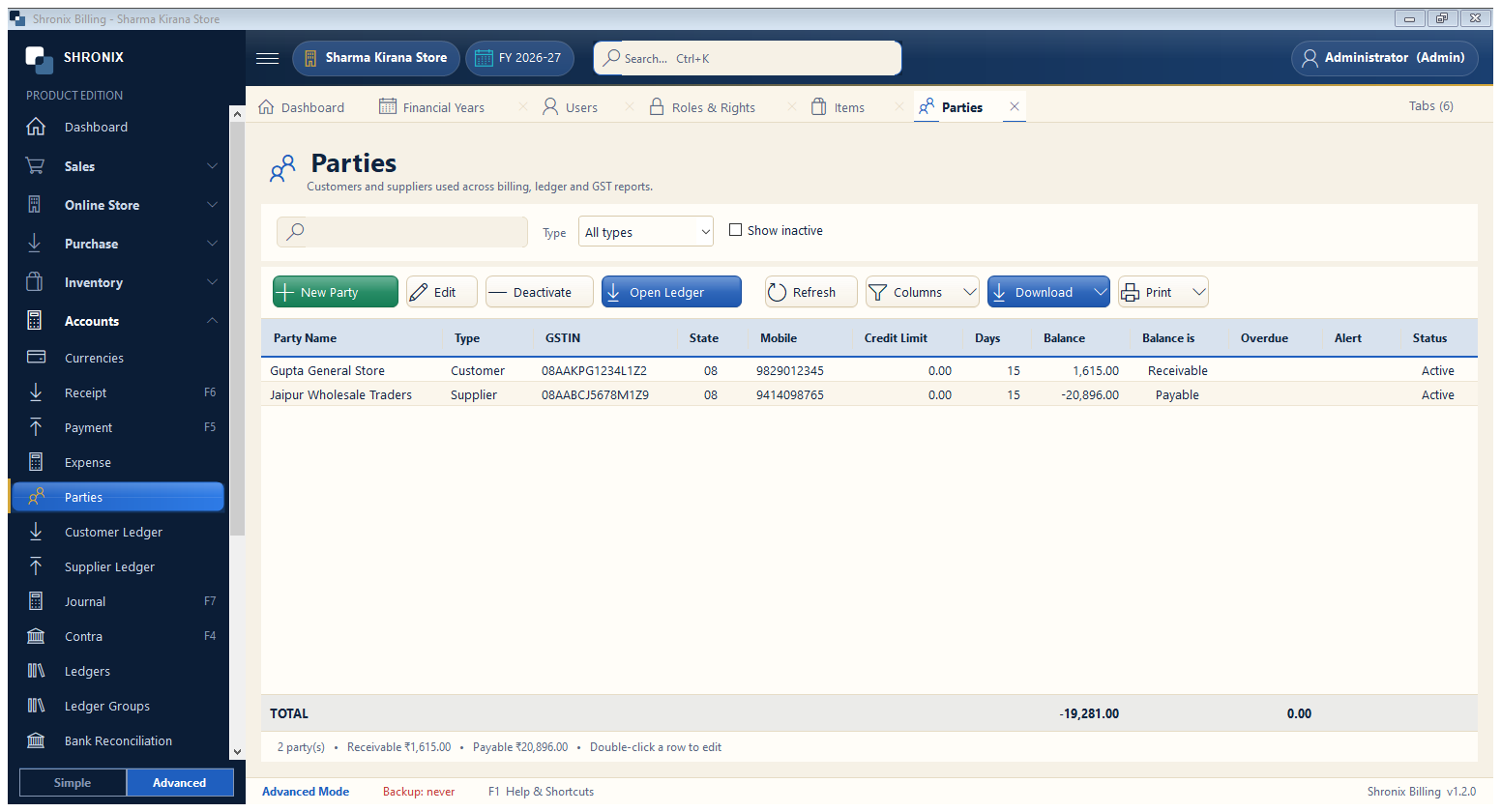
Accounts → Parties. Every customer you give credit to and every supplier you buy from. The list shows what each one owes you or you owe them.
👆 Click a number to see the field
1
New Party
What to enter: Click to add a customer or supplier.
Why: Opens the party form (next step).
2
Open Ledger
What to enter: Select a party and open their full account statement.
Why: Shows every bill, payment and the running balance.
3
Type filter
What to enter: Show only customers or only suppliers.
Why: Quick check of who owes money.
Example:
Customer