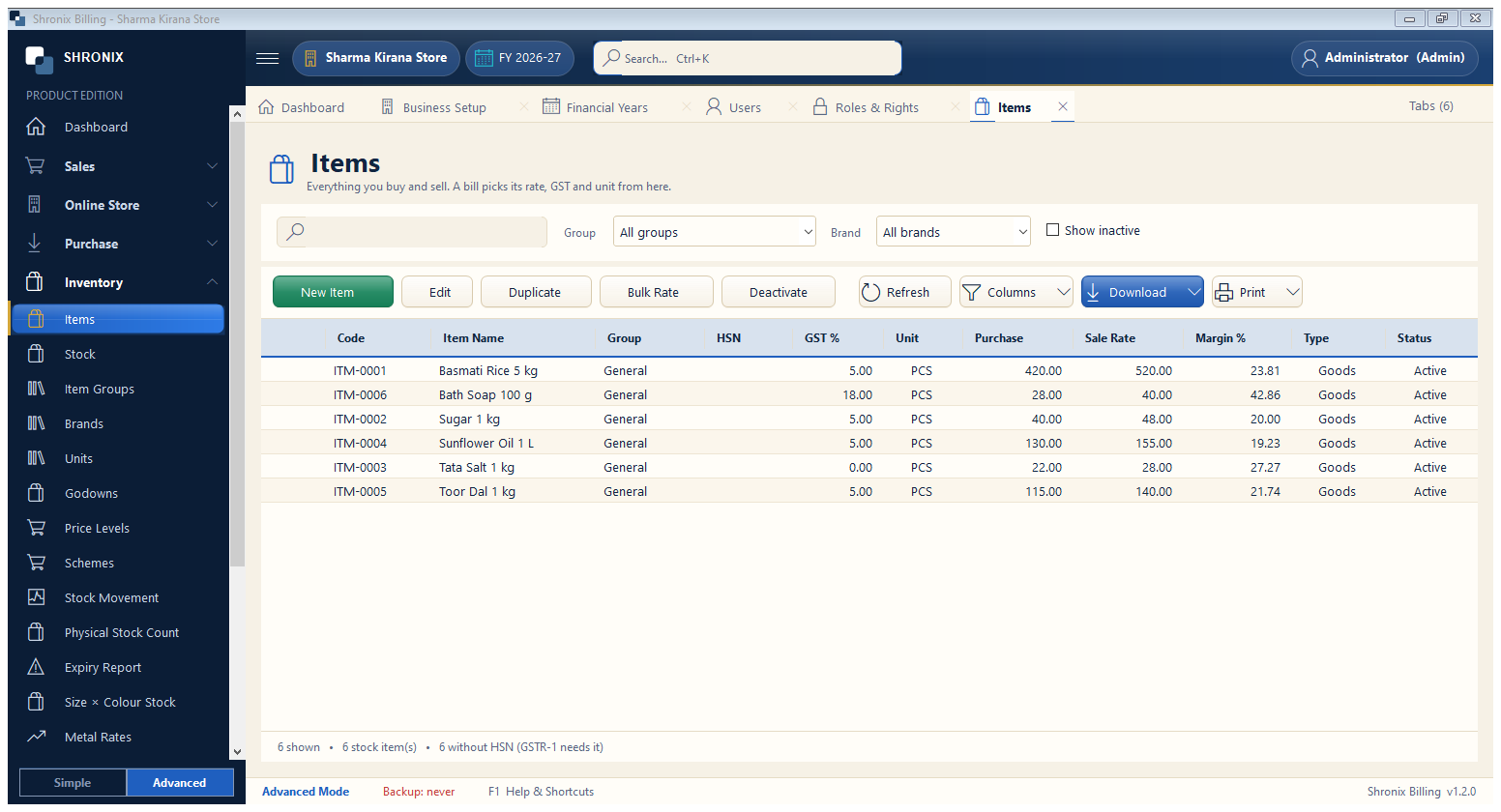
Inventory → Items. Everything you buy and sell. Add items one by one, or import many from Excel (Settings → Import from Excel).
👆 Click a number to see the field
1
New Item
What to enter: Click to add an item.
Why: Opens the item form (next step).
2
Edit / Duplicate
What to enter: Change an item, or copy it to make a similar one quickly.
Why: Duplicate saves typing for sizes and packs.
3
Bulk Rate
What to enter: Raise or lower rates of many items by a percentage.
Why: Useful when the company changes prices.
Example:
+5%4
Filters
What to enter: Filter by group or brand, or show inactive items.
Why: Find items quickly in a long list.